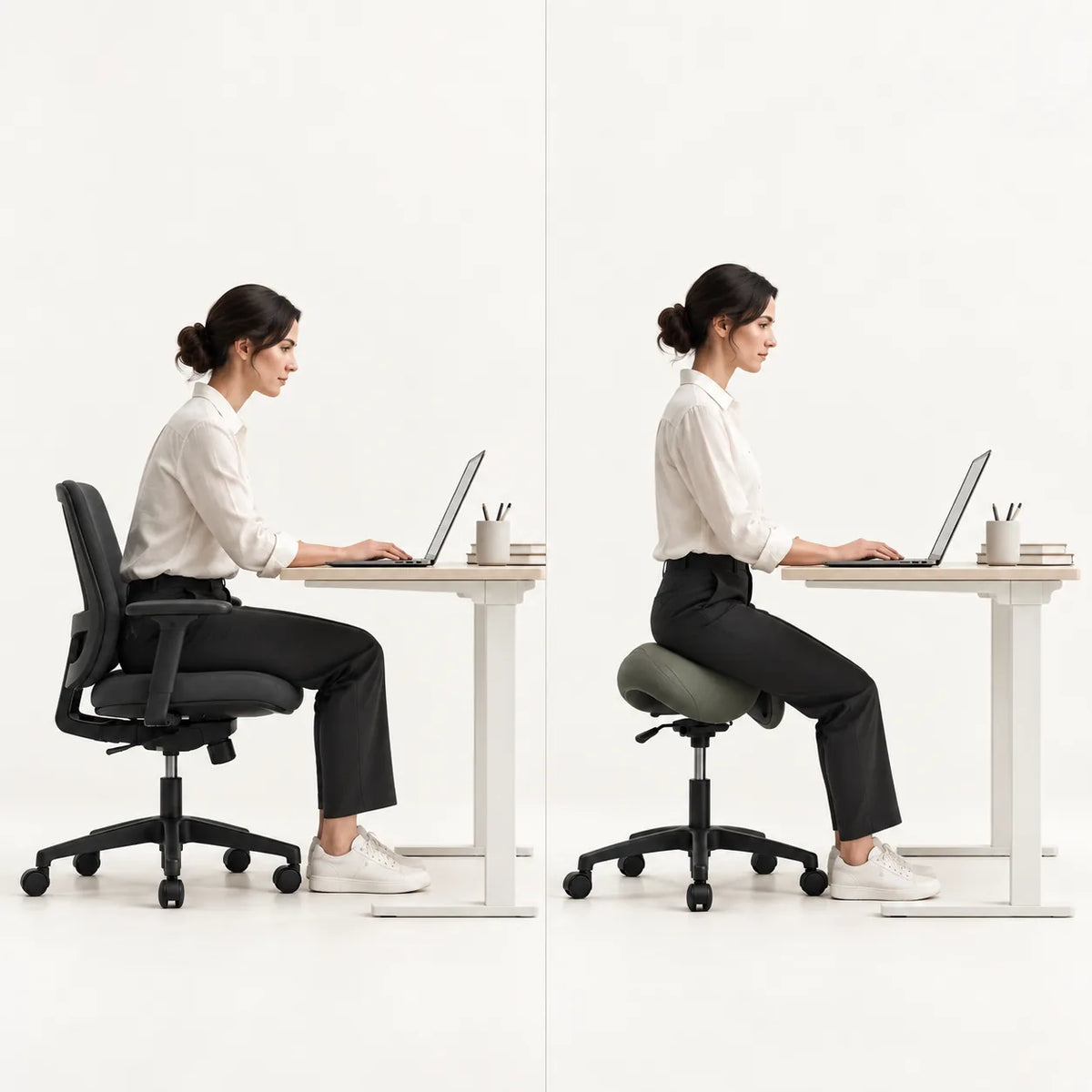
How to Adjust Your Bambach Saddle Chair
Table of contents

A small change in height or tilt can make your Bambach feel quite different. For a reliable starting point, adjust it in this order: sit fully back, set the height, fine-tune the saddle tilt, and then position the backrest if you have one.
For the manufacturer’s illustrated instructions, see the Bambach Assembly & Adjustment Guide.
Adjust your Bambach in four steps
1. Sit fully back on the saddle. Stand in front of the chair and pull the saddle between your legs as you sit. Place your bottom toward the back of the seat rather than perching on the front. Starting too far forward can make the height and tilt feel wrong even when the controls are set well.
2. Set the seat height. On the standard mechanism, the front lever on the right adjusts height. Start with both feet flat on the floor and raise or lower the chair until your knees sit below your hips while your feet remain stable. If you use a foot ring at a raised workstation, position it so your feet have secure support.
Check your work surface before settling on a height. You should be able to get close enough to your desk, patient, or equipment without lifting your shoulders or bending far forward. If the surface is too low, lowering the chair may make your leg position less comfortable without solving the work-height problem.
3. Fine-tune the saddle tilt. The rear lever on the right adjusts tilt. Start with the saddle close to level. While seated, lift the lever, make a small forward or backward adjustment, and release it to lock the position.
If you feel pressure toward the front of the saddle, try a slight backward tilt. If you feel pressure near your tailbone, try a slight forward tilt. Give each change a few minutes during normal work before adjusting again. More tilt is not automatically better.
4. Set the backrest if fitted. Adjust it after the saddle feels right. On the standard backrest, loosen the round knob on the right to move the backrest up or down, then tighten it by hand without overtightening. Lift the lever on the left to move the backrest forward or backward, then push it down to lock it.
The backrest should give you somewhere to rest when you want it. If it pushes you toward the front of the saddle, move it farther back.
Test the setup while you work
Spend a few minutes doing the task you bought the chair for. Check that your feet are supported, your shoulders can relax, and you can reach your work without stretching. You should also be able to reposition the chair without fighting your workstation.
If something feels off, change one setting at a time and repeat the same task. These are useful first checks:
| What you notice | Check first |
|---|---|
| Pressure at the front of the saddle | Sit fully back, then try a slight backward tilt |
| Pressure near your tailbone | Try a slight forward tilt |
| Feet feel unstable | Recheck the seat height or foot-ring position |
| Backrest pushes you forward | Move the backrest farther back |
| You cannot reach a useful height | Check your cylinder range and workstation height |
If this is your first Bambach, start with shorter sessions and take regular breaks while you get used to the position. New pressure or discomfort is a reason to pause and recheck the setup, not to force yourself through a full day.
Frequently asked questions
Which right-hand lever changes the height?
On the standard mechanism, the front right lever changes the seat height. The rear right lever changes the saddle tilt.
Why do I keep sliding toward the front?
Make sure you are sitting fully back. Then check whether the saddle is tilted too far forward or the backrest is pushing you forward. Adjust one of those settings at a time.
What if the seat will not rise?
Check that you are using the height lever and that the cylinder has not reached its upper limit. If the seat still will not move, contact us with a photo of the controls beneath it so we can help identify the mechanism.
More articles

Why Bambach Saddle Chairs Work So Well for Dentists
October 2, 2026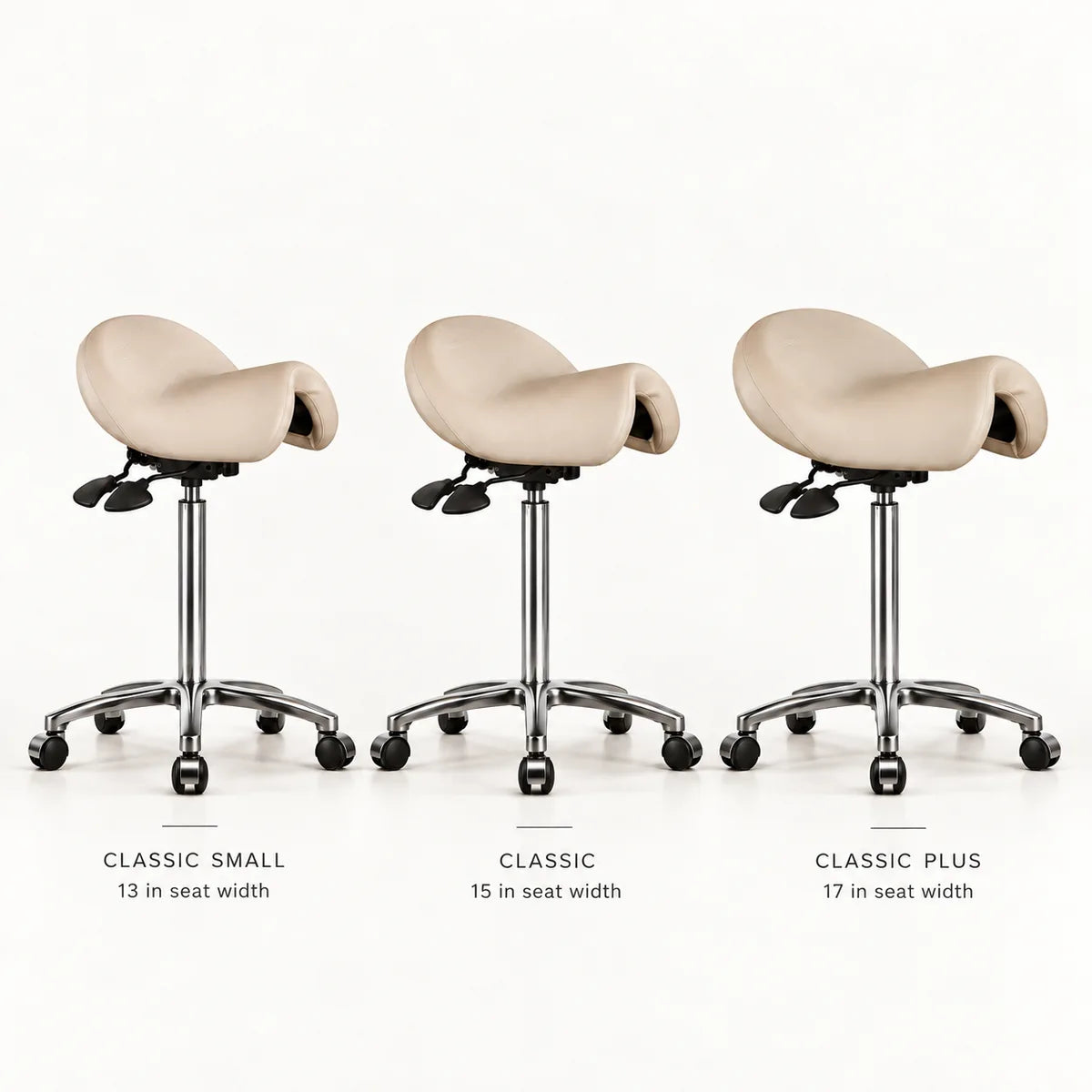
Bambach Size Guide: Classic, Small, or Plus?
September 29, 2026